
QR codes
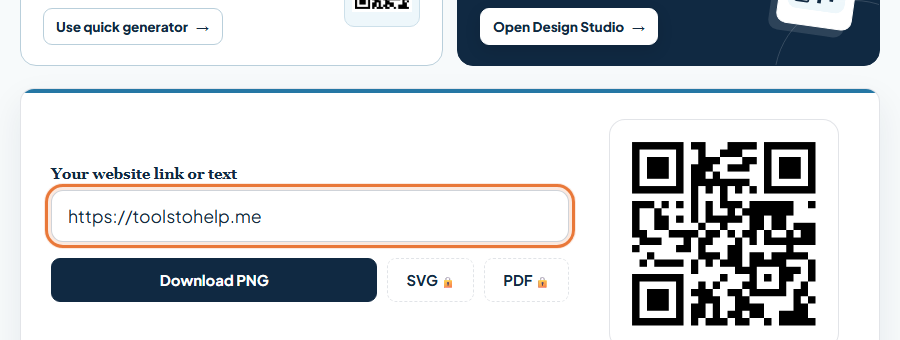
How to make a QR code
Turn a link, a Wi-Fi network or a contact card into a QR code anyone can scan, free.
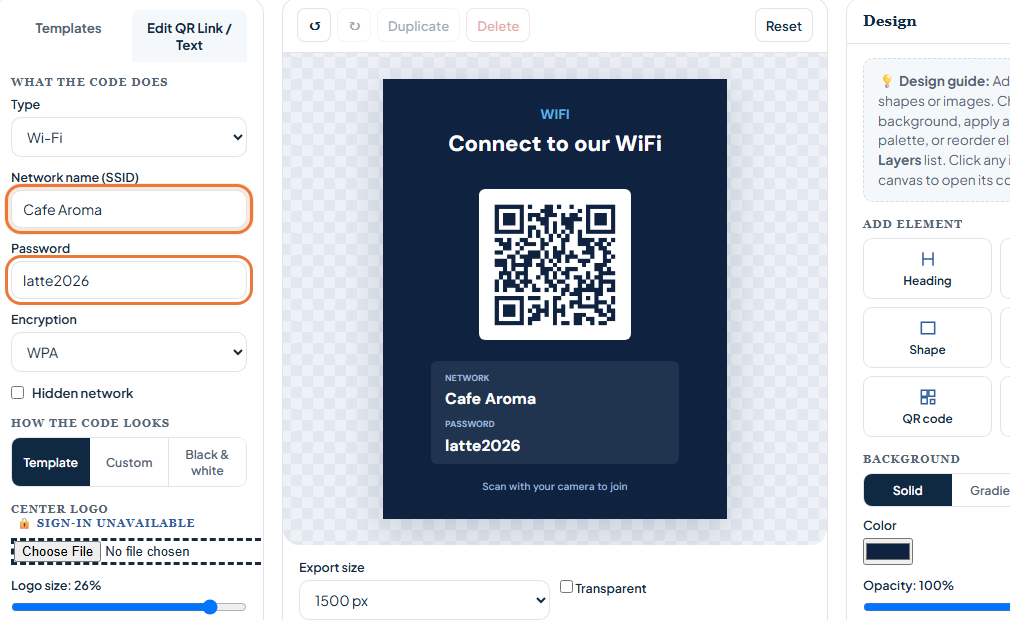
How to make a QR code for your Wi-Fi network
Let guests join your network with one scan instead of typing a long password.
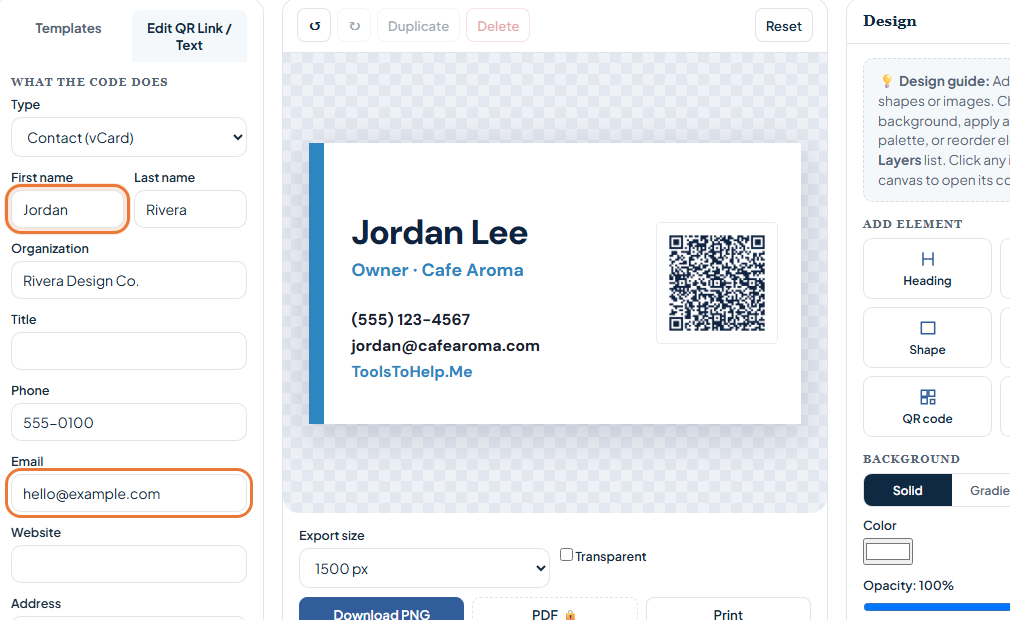
How to make a QR code for a business card
Let a scan save your name, number and email straight to a new contact.
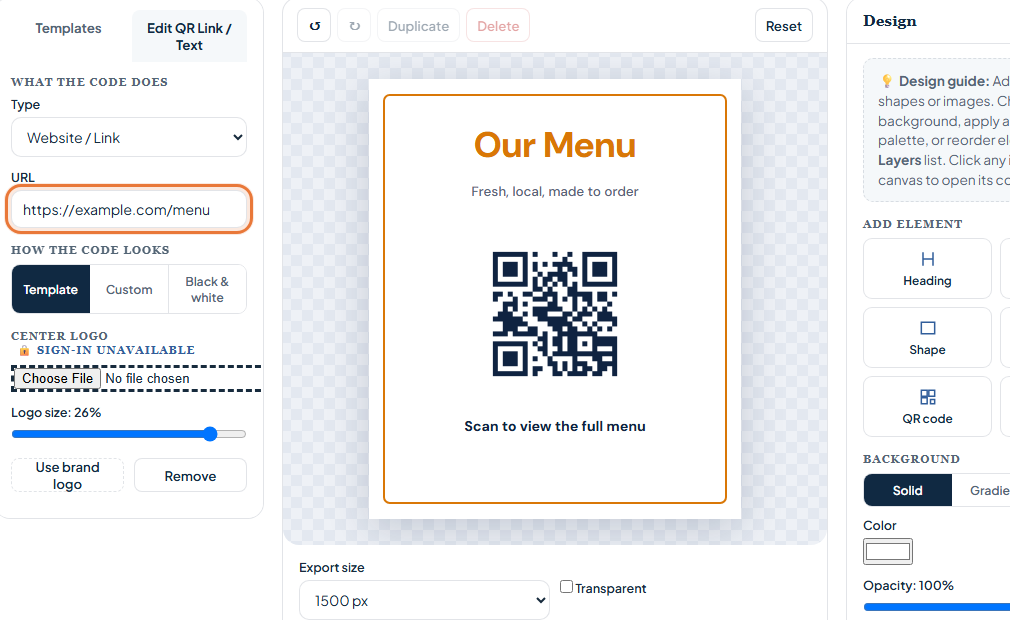
How to make a QR code menu
Point customers to your menu with a scan, on a card or a table tent.
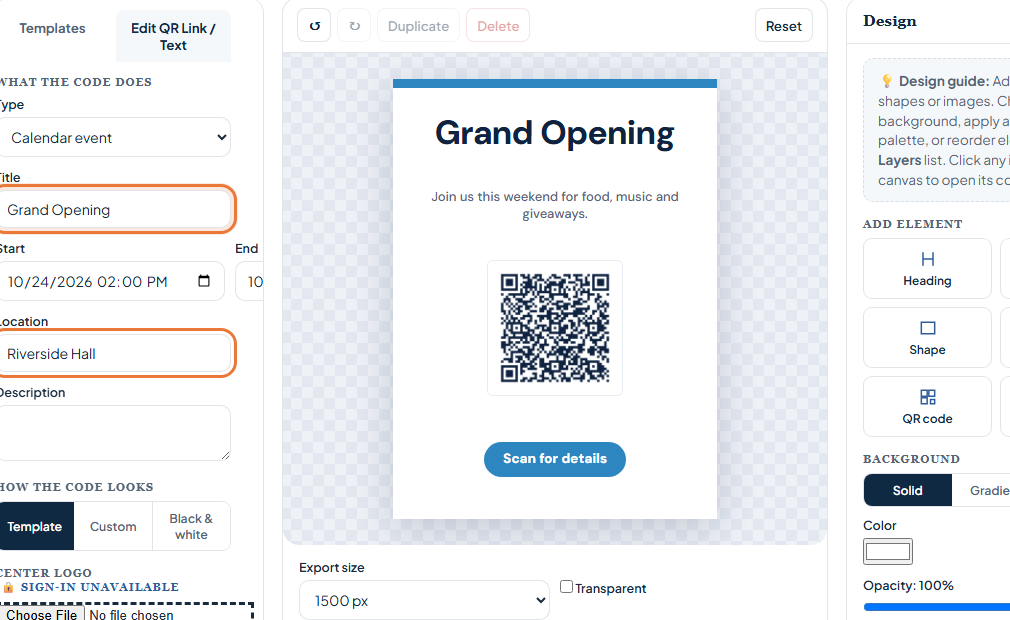
How to make an event QR code
Put an event title, time, and place into a scannable invitation.
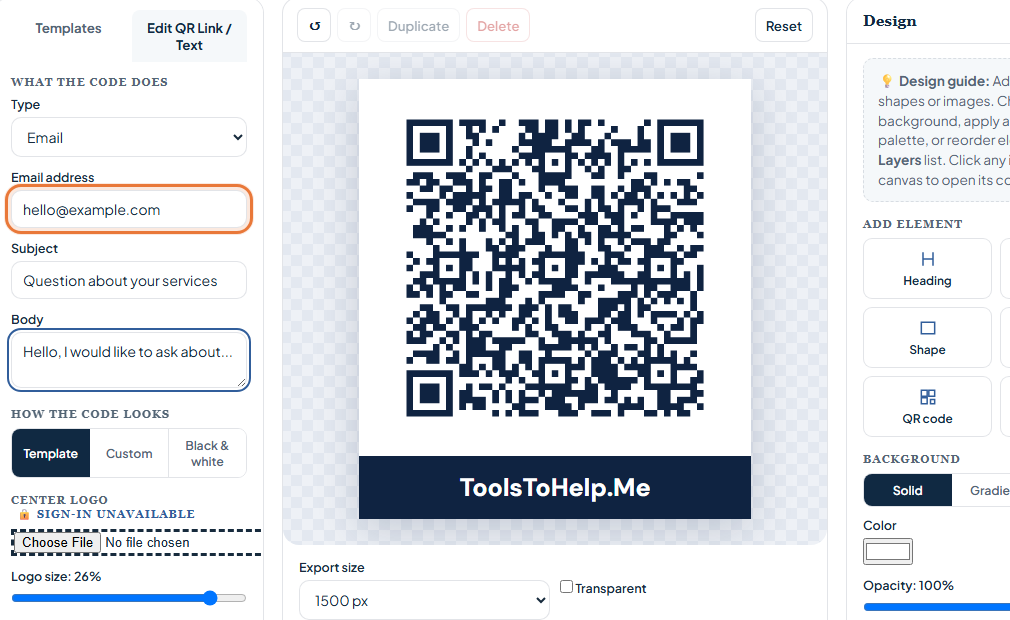
How to make an email QR code
Open a draft email with your address and subject already filled in.

Invoices
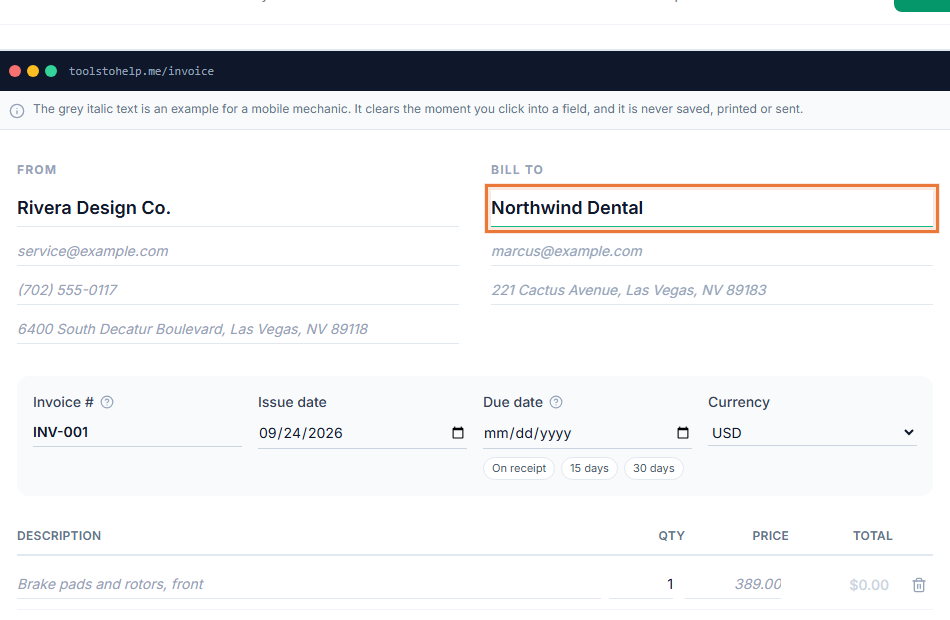
How to write an invoice
What belongs on an invoice, how to number them, and how to follow up if one goes unpaid.
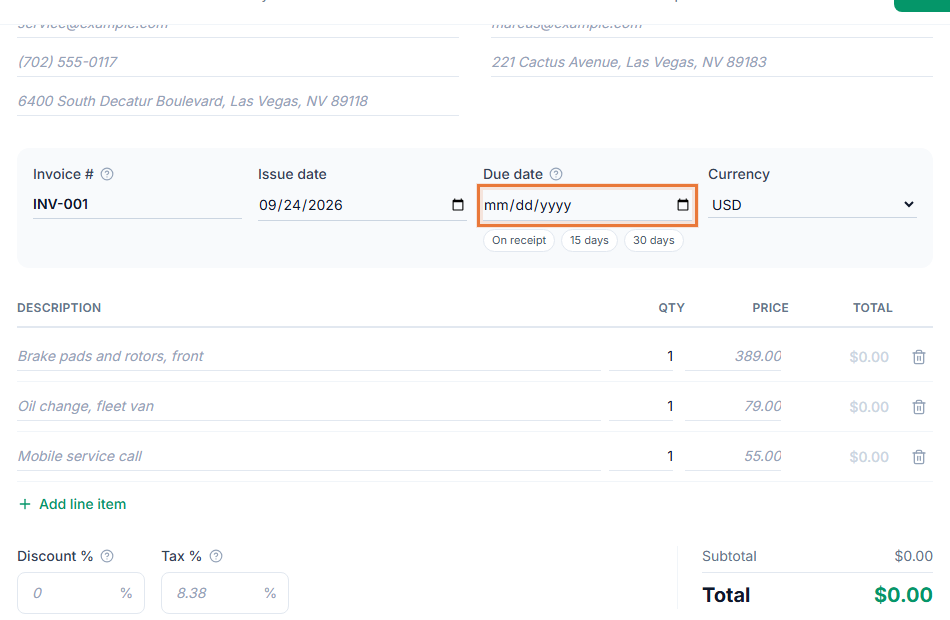
Invoice payment terms explained
What Net 30, EOM and early payment discounts mean, and how to choose your own terms.
Invoice vs receipt: what is the difference
What separates the two documents, when you need each one, and how a paid invoice becomes your receipt.
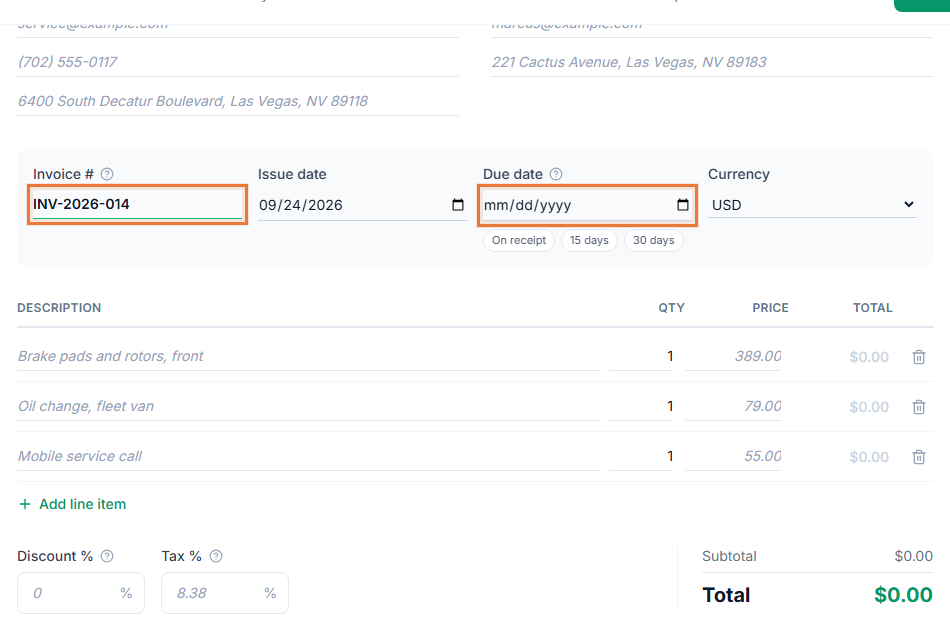
How to number your invoices
Sequential, date-based and client-based invoice number formats, and how to handle gaps.
What to do when a client is not paying your invoice
A reminder schedule with sample wording, when to call, late fees, pausing work and small claims court as a last resort.
Estimate vs quote vs invoice: what is the difference
How an estimate, a quote and an invoice differ, and how to move from one to the next on a job.
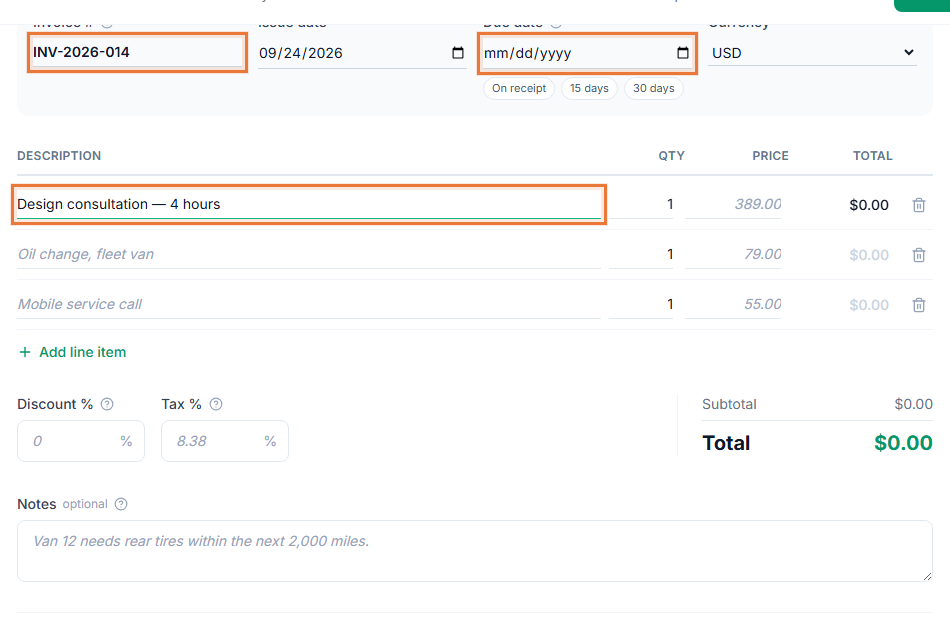
How to invoice for hourly work
Showing hours, rounding time consistently, and turning tracked time into invoice lines.
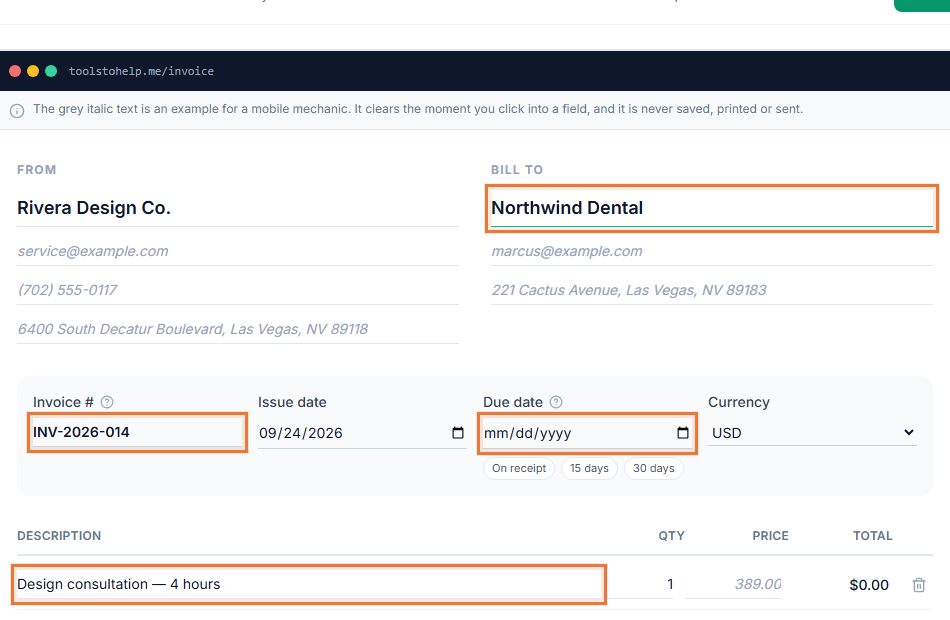
How to send an invoice to a client
How to send your invoice link or PDF by email, with a sample subject line and wording.
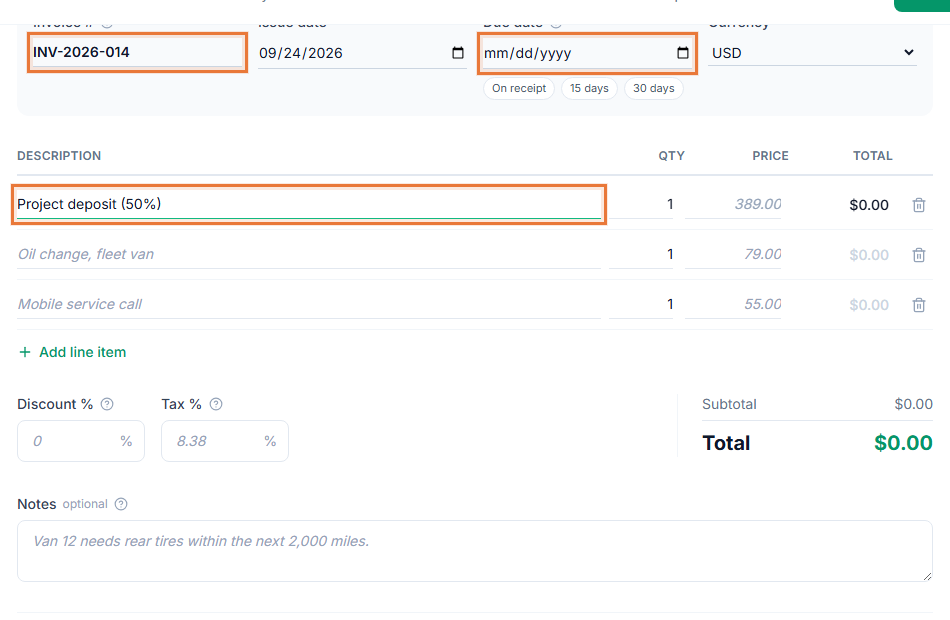
How to ask for a deposit
Typical deposit percentages, wording to use, and how to show a paid deposit on the final invoice.
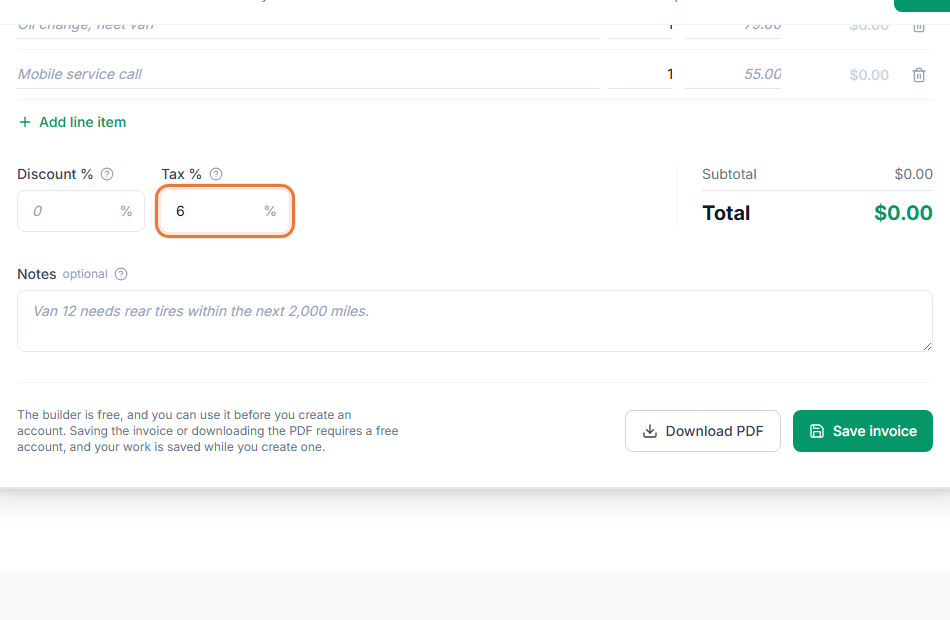
How to show sales tax on an invoice
How tax appears on an invoice as a separate line, and why the rate and rules depend on your location.

PDF files

How to merge PDF files into one document
Combine several PDFs into one document, in the order you choose.

How to compress a PDF and reduce its file size
Shrink a large PDF so it is easier to email, upload or store.

How to split a PDF into separate files
Split one PDF into several files, by page or by range.

How to sign a PDF
Draw, type or upload a signature, place initials and dates, and fill existing form fields in one PDF workspace. Resize each placement and save your copy.

How to convert PDF to Word
Convert a PDF into an editable Word document.

How to convert JPG to PDF
Combine JPG images into a PDF with page size and ordering controls.

Credit
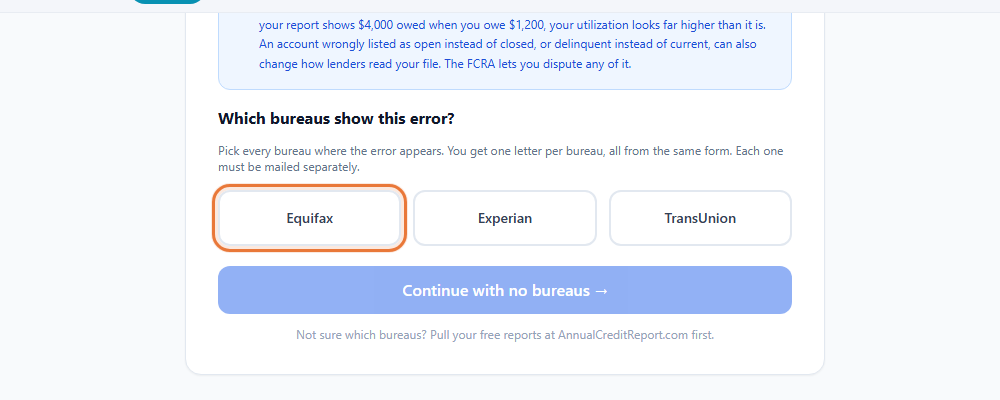
How to dispute a credit report error
Find an error on your credit report and dispute it the right way.
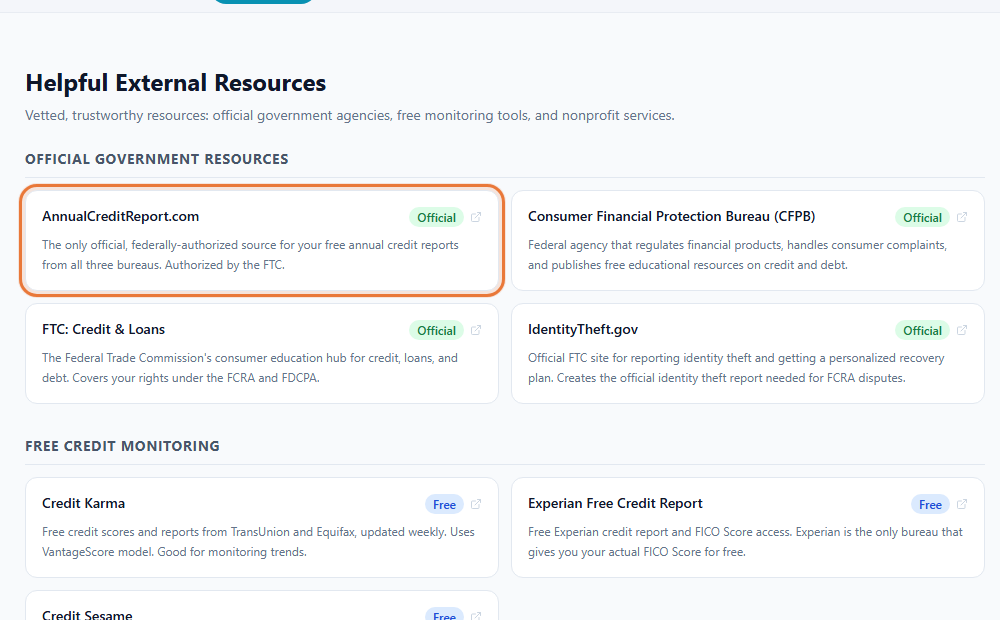
How to check your credit report for free
Get your credit report from all three bureaus at no cost.
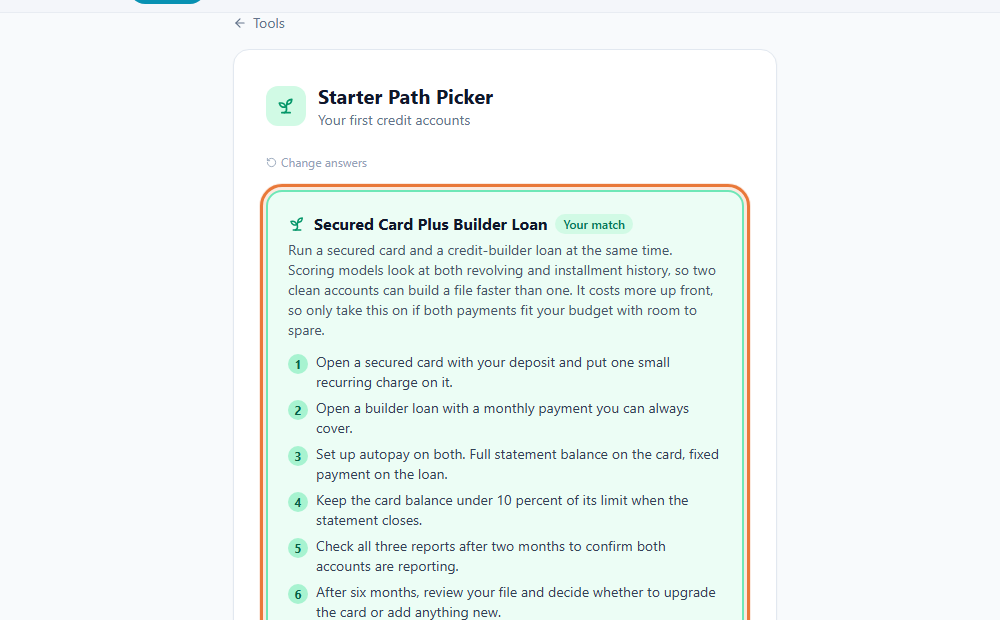
How to start building credit from scratch
Compare secured cards, credit-builder loans, and other first steps.
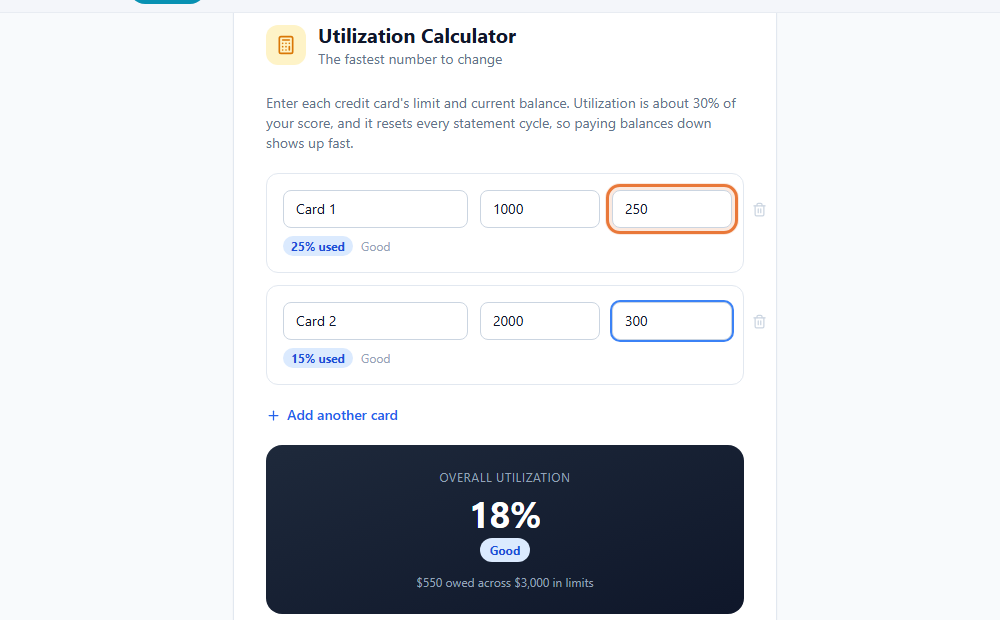
How credit utilization works
Calculate card-by-card and overall balance-to-limit ratios.
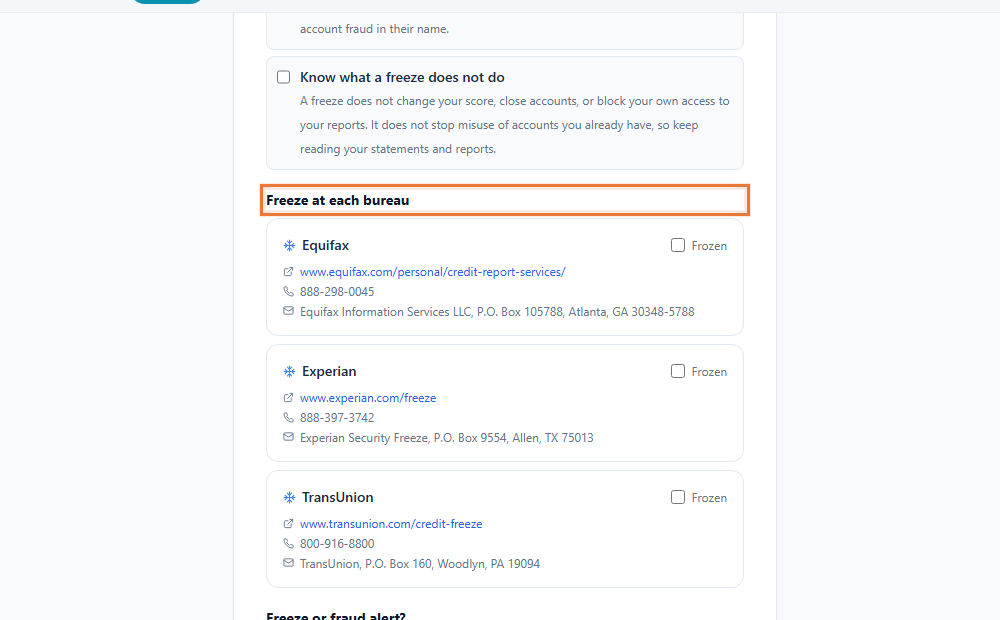
How to freeze your credit
Use a checklist for Equifax, Experian, and TransUnion.
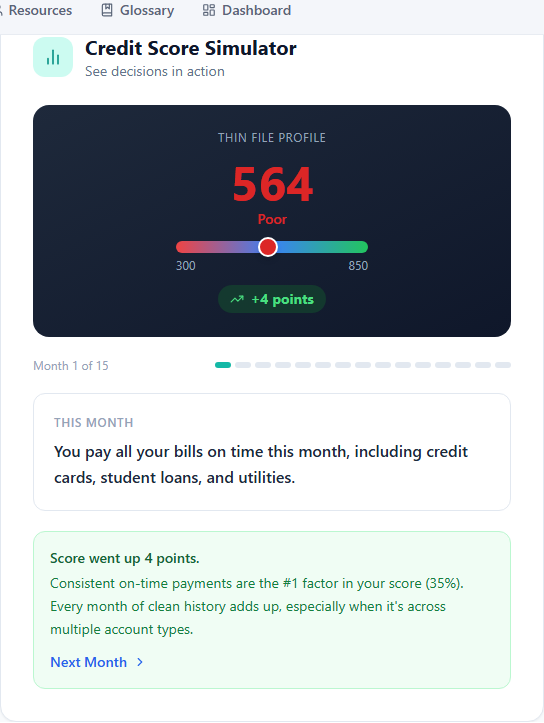
How to understand credit score changes
Explore sample decisions and learn why a score might move.